Monday, 9 June 2014

Thursday, 15 May 2014
My animations storyboard
Storyboard

- 1.1. Long Shot - Protagonist 1 uses power
- 1.2. Close Up - Protagonist 1 charging power
- 1.3 Medium Shot - Protagonist 1 charging
- 1.4 Close up - Protagonist 2 charging power

- 1.5. Close up - Protagonist 2 charging power
- 1.6. Close Up - Protagonist 2 charging power
- 1.7. Long Shot - Protagonist 2 charging power
- 1.8. Extreme Close Up - Protagonist 2 eye reaction

- 1.9. Long Shot - Shot of the surrounding Environment
- 2.0. Long Shot - Shot of the surrounding Environment
- 2.1. Long Shot - Protagonist 1 charging
- 2.2. Long Shot - Protagonist 2 charging

- 2.3. Long Shot - Protagonist 1 charging
- 2.4. Long Shot - Protagonist 2 charging
- 2.5. Mid Shot - Protagonist 1 charging
- 2.6. Mid Shot - Protagonist 1 charging

- 2.7. Mid Shot - Characters preparing to fight
- 2.8. Mid Shot - Characters preparing to fight
- 2.9. Mid Shot - Characters preparing to fight
- 3.0. Mid Shot - Characters preparing to fight

- 3.1. Mid Shot - Characters Charging
- 3.2. Mid Shot - flash of white
- 3.3. Long Shot - Characters collide
- 3.4. Long Shot - Characters collide
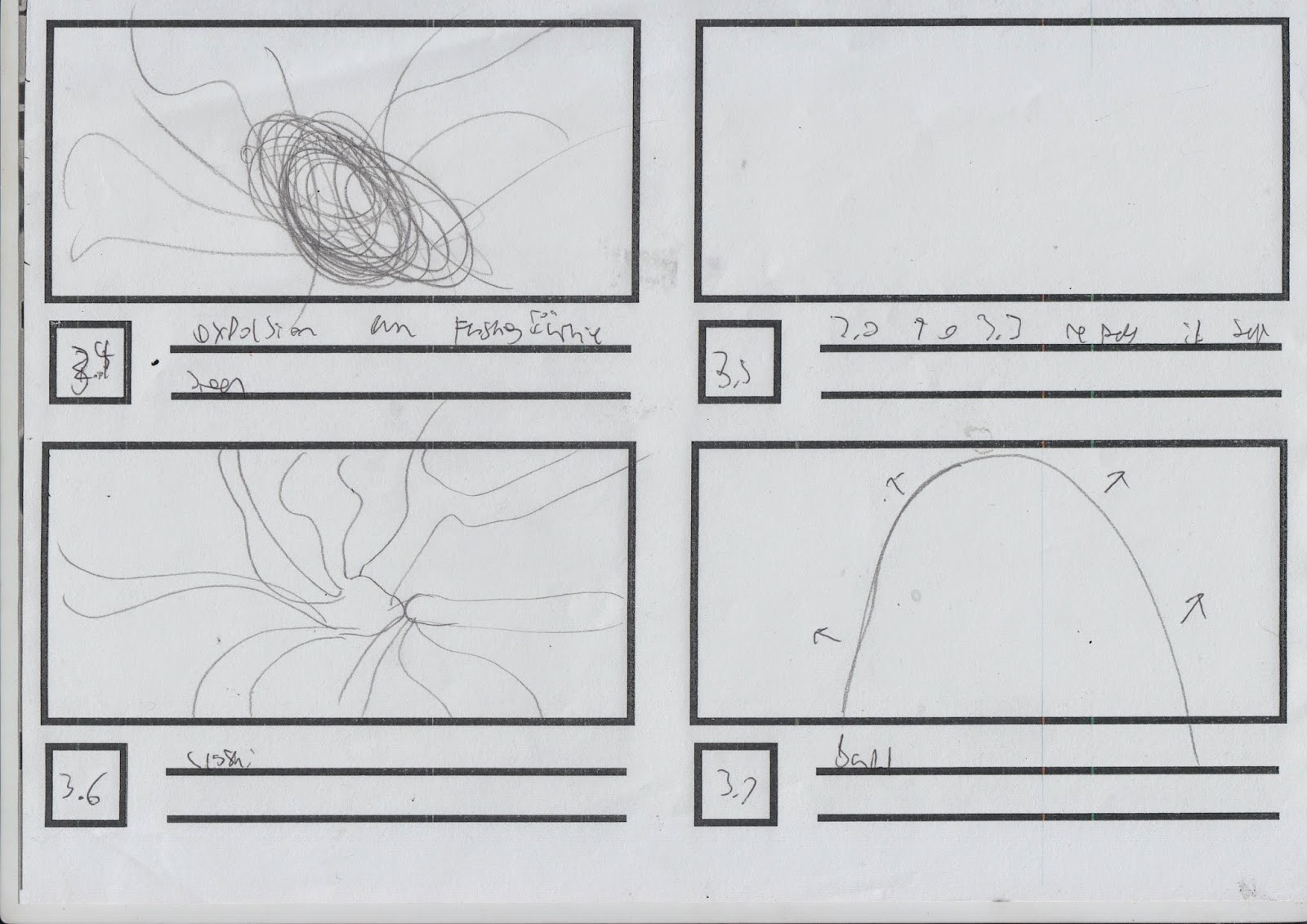
- 3.4. Long Shot - Characters collide
- 3.5. Long Shot - Characters collide
- 3.5. Extreme Long Shot - Characters collide
- 3.7. Long Shot - Characters collide

- 3.8. Close Up - Protagonist 1 facial reaction
- 3.9. Extreme Close Up - Protagonist 1 facial reaction
- 4.0. Extreme Close Up - Protagonist 1 facial reaction
- 4.1. Extreme Close Up - Protagonist 1 facial reaction

- 4.2. Long Shot - Shot of the surrounding Environment
- 4.3. Long Shot - Shot of the surrounding Environment
- 4.4. Extreme Long Shot - Shot of the surrounding Environment
- 4.5. Long Shot - Shot of the surrounding Environment

- 4.6. Long Shot - Shot of the surrounding Environment
- 4.7. Long Shot - Shot of the surrounding Environment
- 4.8. Long Shot - Shot of the surrounding Environment
- 4.9. Long Shot - Shot of the surrounding Environment

- 5.0. Long Shot - Friend Coming to the rescue
- 5.1. Extreme Long Shot - Friend Coming to the rescue
- 5.2. Long Shot - Friend Coming to the rescue
- 5.3. Extreme Long Shot - Friend Coming to the rescue

- 5.4. Extreme Long Shot - Shot of the surrounding Environment
- 5.5. Long Shot - Shot of the surrounding Environment
- 5.6. Extreme Long Shot - Friend coming to the rescue
- 5.7. Extreme Long Shot - Friend coming to the rescue

- 5.8. Long Shot - Environment Breaking
- 5.9. Long Shot - Environment Breaking
- 6.0. Long Shot - Environment Breaking
- 6.1. Long Shot - Environment Breaking

- 6.2. Long Shot - Environment Breaking
- 6.3. Long Shot - Environment Breaking
- 6.4. Long Shot - Environment Breaking
- 6.5. Long Shot - Environment Breaking

- 6.6. Long Shot - Environment Breaking
- 6.7. Long Shot - Environment Breaking
- 6.8. Long Shot - Environment Breaking
- 6.9. Long Shot - Environment Breaking

- 7.0. Long Shot - Environment Breaking
- 7.1. Long Shot - Environment Breaking
- 7.2. Long Shot - Aura ball changing
Thursday, 8 May 2014
Friday, 2 May 2014
Flash
Today we went on Flash and I created this man jumping through a portal.


1. First I Insert blank key frames
2. I imported the pictures into Flash and put them into separate frames.
3. Each picture represents a different step of the character jumping. If you put the character in the same positon then adjust them, it creates the illusion of a man jumping.
4. I added an oval shape in-between the motion of the character jumping to create the illusion of a man jumping through a portal.
5. Finally I added blank keyframes to extend the length of my man jumping.
The second animation I created was Diglett. I did a similar process to what I did with Portal Man apart from this time I followed a tutorial I got off Youtube. I did the same steps as before but this time I created my own background, character and made him bounce up and down. This creates the illusion of Wack the Mole (game).
Wednesday, 30 April 2014
ANIMATION PROJECT IDEA'S/RESEARCH
ANIMATION PROJECT IDEA'S/RESEARCH
IDEA
the Idea is that me and Louis will use the rotoscope technique that we learned to rotoscope one of the fight scene's from Naruto.
we will thing of the style of our characters, whether we will make our own characters or we could do a mix or our and and the current one by using some of the features of the characters and using our own ideas.
the second idea is to go out with a camera and fake a fight for us to use in photoshop and rotoscope it into our animation,
only downside to this is that each fight in Naruto can be up to a couple of hours long and as short as a few minuets. the point is to select a possible moment into a short rotoscope animation
 ROCK LEE VS GARRA
the Idea is that me and Louis will use the rotoscope technique that we learned to rotoscope one of the fight scene's from Naruto.
we will thing of the style of our characters, whether we will make our own characters or we could do a mix or our and and the current one by using some of the features of the characters and using our own ideas.
the second idea is to go out with a camera and fake a fight for us to use in photoshop and rotoscope it into our animation,
only downside to this is that each fight in Naruto can be up to a couple of hours long and as short as a few minuets. the point is to select a possible moment into a short rotoscope animation

Friday, 25 April 2014
TARGET AUDIENCE
Name: Jasper
Age: 12
Gender: Male
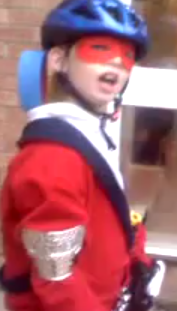 Average Day: Jasper spends 5 days a week at school, which starts at 9:00am and finishes at 3:15pm. He learns English, Maths, Science, and Music. At break/lunch he plays football with his friends and enjoys a nice pack lunch from his mother. He's bed time is at 9:00 and doesn't need the light to sleep.
Hobbies and interests: Jasper plays football for his village (under 13's), goes to karate every Thursday at 6:00.
Spending Power: Jasper is given £30 a month form his parents + money on his birthday and Christmas.
Typical media consumptions: Jasper watches an hour of Disney XD after he gets home from school. He watches a lot of TV over the weekend, like Sky Movies and BBC One. He watches about 7/10 hours over the weekend of TV. He is aloud on his family Ipad for 5 hours each week.
Why will the animation appeal to them?
My animation will appeal to them because it will aired on his favourite channel and have funny, cheeky aspects top the show, for example childish jokes. The show will have a similar vibe to Adventure Time, so this aspect could attract the same target audience
Why will the animation appeal to them?
My animation will appeal to them because it will aired on his favourite channel and have funny, cheeky aspects top the show, for example childish jokes. The show will have a similar vibe to Adventure Time, so this aspect could attract the same target audience
Subscribe to:
Posts (Atom)